

The Freedom to Design Bigger with QuarkXPress 2027
QuarkXPress changed the way the world puts ideas on a page. Now, with our latest update the next big impression is yours to make.
QuarkXPress has been upgraded and refined to work on multiple master pages and more, making it the unexpected ally in many layout problems that other software can’t solve.
 Martin TurnerQuarkXPress Power User

Features That Keep Your Ideas Flowing
QuarkXPress 2027 puts everyday requests at the heart of product development.
Here’s a closer look at the new features and refinements in this release:
1Rock-solid on macOS Golden Gate
QuarkXPress 2027 is certified for macOS Golden Gate, with continued support for Windows 11. Keep your system current and your projects moving with the responsive performance you depend on, whichever platform feels like home.
2Find Your Perfect Shade with Color Groups
Give every color a place. Organize swatches into named, searchable groups, then move or duplicate them as your project evolves. From brand palettes to spot colors, the shade you need is always easier to find.
3Stretch Your Type as Far as Your Ideas
Text Scaling gives headlines more presence without leaving your style sheets. Apply horizontal and vertical scaling to the same text, up to 1000%, for condensed headlines and display type that stay fully editable.
4Find Any Feature in Seconds
Skip the menu hunt. Type what you need in your own words, and QuarkXPress finds the menu you need. Spend more time using your favorite features, and less time trying to remember where they live.
5Think Inside Any Shape with Paste Into
Build layered compositions right on the page, with editable masks and nested containers. Anchor Paste Into shapes right in your text and turn a pasted PDF into editable objects, with fewer round trips to Photoshop or Illustrator.
6Better Stability for Everyday Flow
Give your best ideas more attention. Smoother touchpad scrolling, more reliable auto-backup settings, fewer launch crashes and security improvements make everyday production feel easier.
Beloved by users
Why Designers Love QuarkXPress
Love it. I learned QuarkXPress in the 1990s and it’s been my main design tool working as a graphic design professional for 30 years. It’s fast and easy to work with. I can throw a project together quickly and it’s easy to make changes.
All the core functions are simple enough to use that I was able to start creating marketing literature for my firm without needing to spend too much learning how to use them.
QuarkXPress is a highly refined and comprehensive layout and design tool that has all the features I need to compose magazines, posters, books and other publications. It has a full suite of advanced typography tools, a smart approach to page layout, powerful style sheets, graphics management and much more.
Quark really is the best when it comes to page layout and typesetting design.
I’ve been using QuarkXPress for over 20 years now and can’t imagine being a graphic designer without it. The new and improved versions are amazing. For the ease of use, being able to use one application for my whole project and to create print and digital layouts.
Having used this programme for many years it improves with every update!
What I love about QuarkXPress is its simplicity. It’s like my workbench, with all my tools in their rightful place! I like the rigor of this software: it allows me to structure my thoughts.
I’ve been using Quark since 1990s and have never wanted to switch to any other program.
Own Your Tools. Free Your Creativity.
Creativity needs flexibility, and an OS update shouldn’t cost you any.
QuarkXPress 2027 is certified for macOS Golden Gate,
with the choice to buy once and keep your version forever.
We helped define desktop publishing in 1987. Today, that print expertise puts you in command of every page – from the smallest typographic detail to your most ambitious layouts. Turn original artwork into editable objects, carry styles across hundreds of pages, and let synchronized content handle changes that once meant hours of rework. Your best work is still ahead of you – own the advanced tools that will take you there – or subscribe, it’s up to you.
What Can QuarkXPress Do?
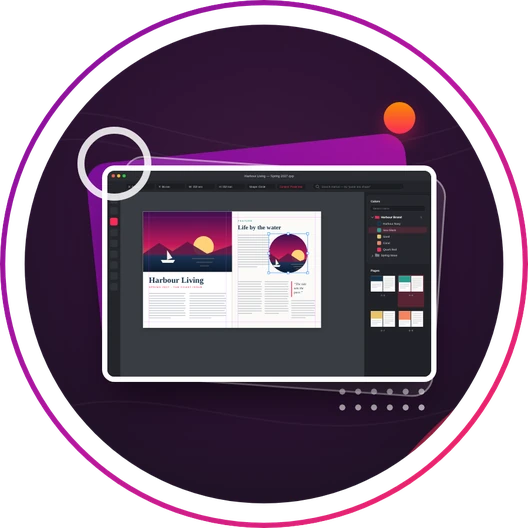
Page Layout
Build bold layouts with precise control over every element, on every page.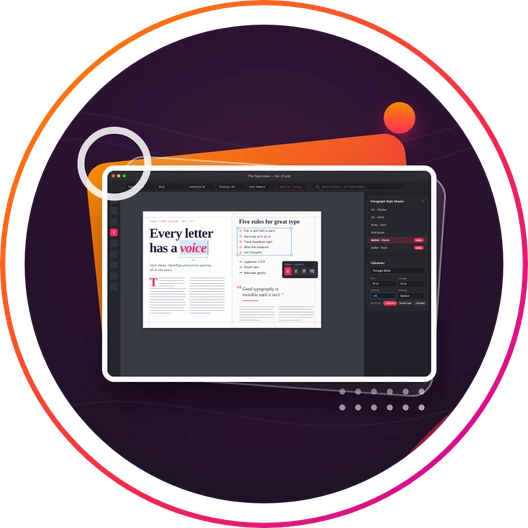
Typography & Styles
Give every word character with expressive typography and consistent styles.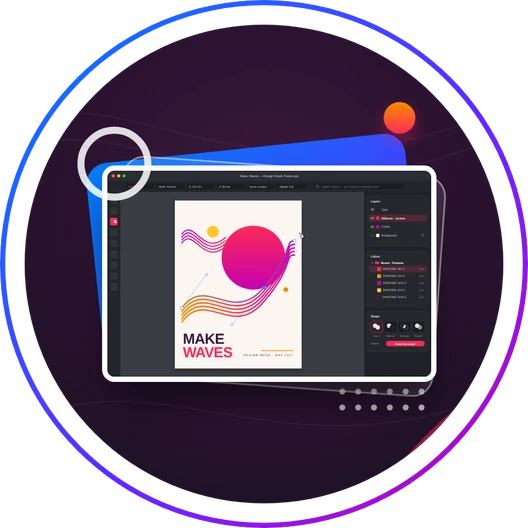
Graphics & Illustrations
Create and refine graphics that make your ideas unmistakably yours.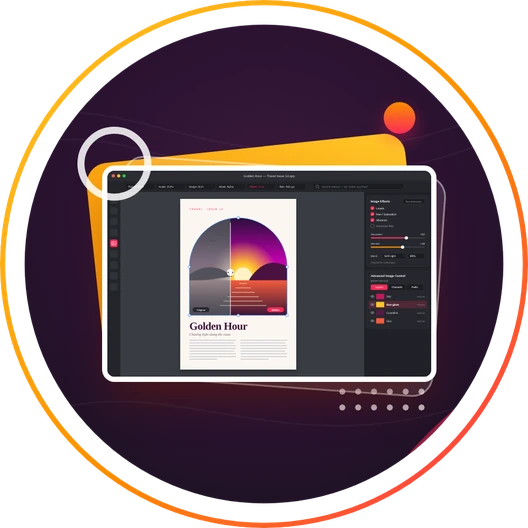
Photo Editing
Fine-tune photos within your layout, without interrupting your creative flow.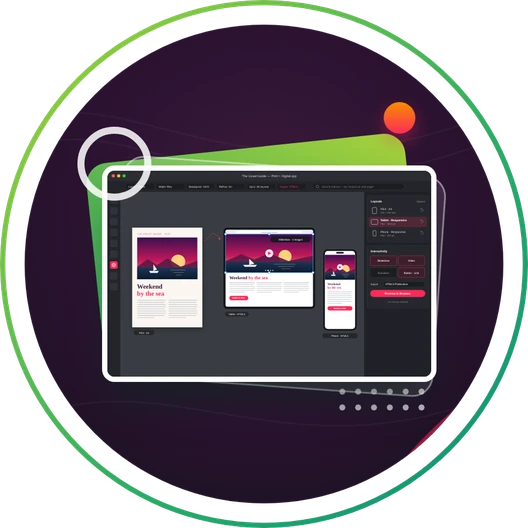
Digital Publishing
Take your ideas beyond print with responsive digital publications. No coding required.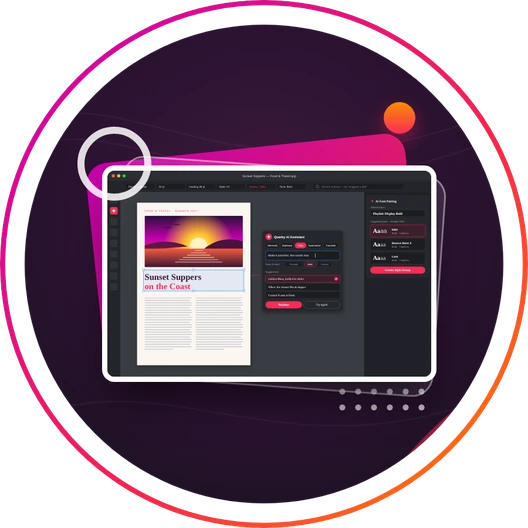
AI in QuarkXPress
Explore ideas, pair fonts and refine copy with AI inside your design workspace.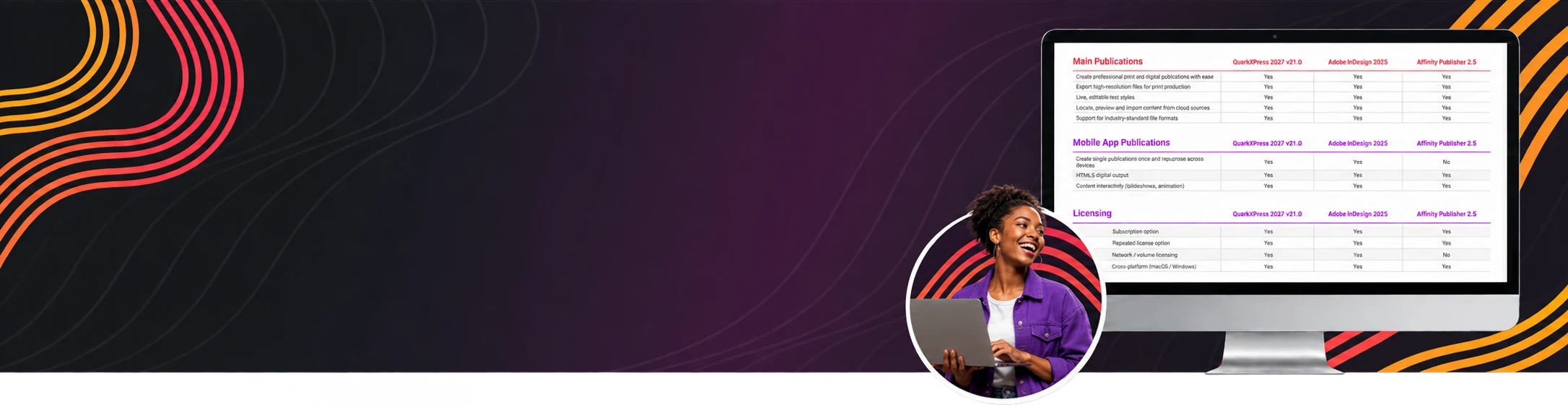
QuarkXPress Competitor Comparison
View comparisonWhat Will You Create?
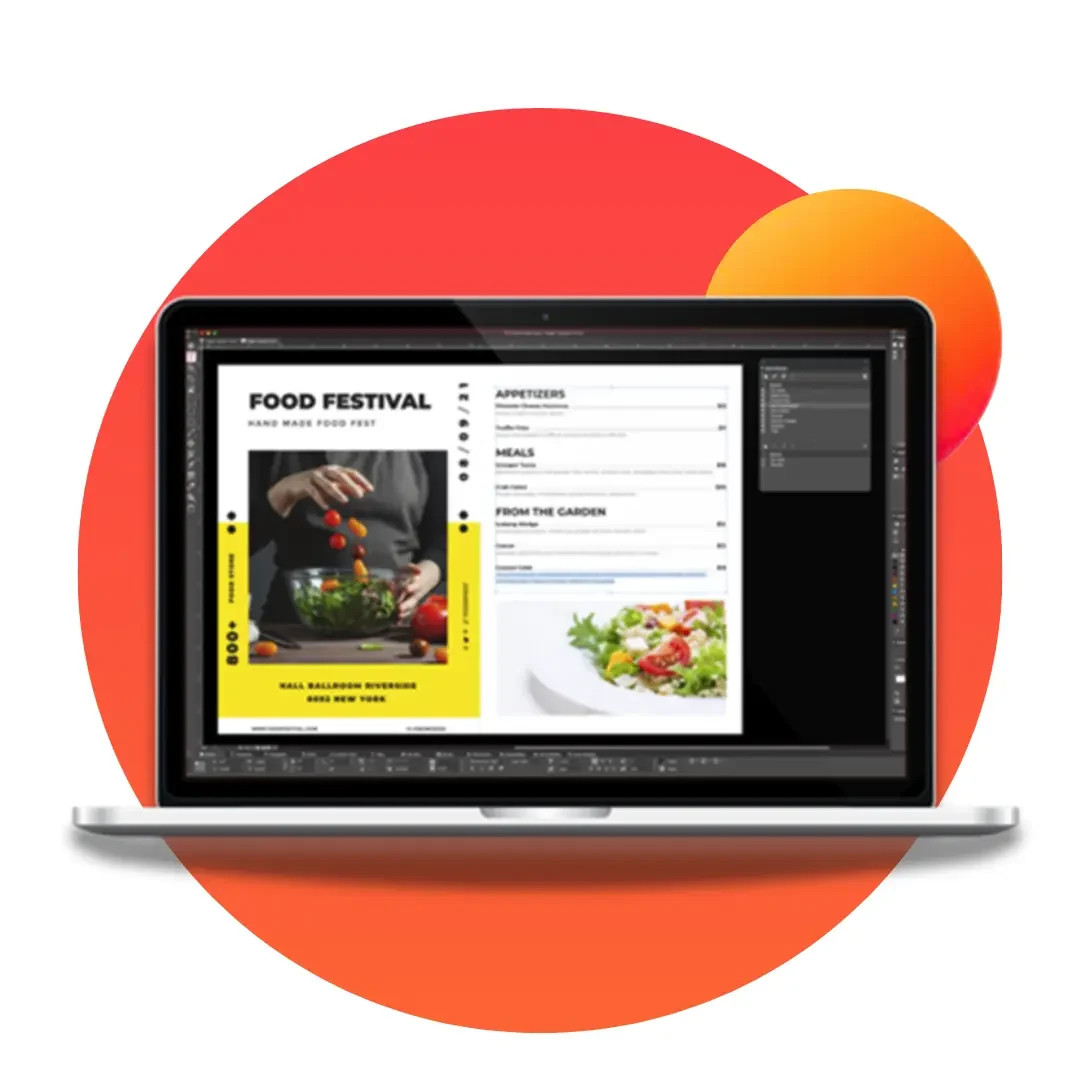
Brochures
Promote products, advertise services, or tell stories – create engaging brochure layouts that make a lasting impact.
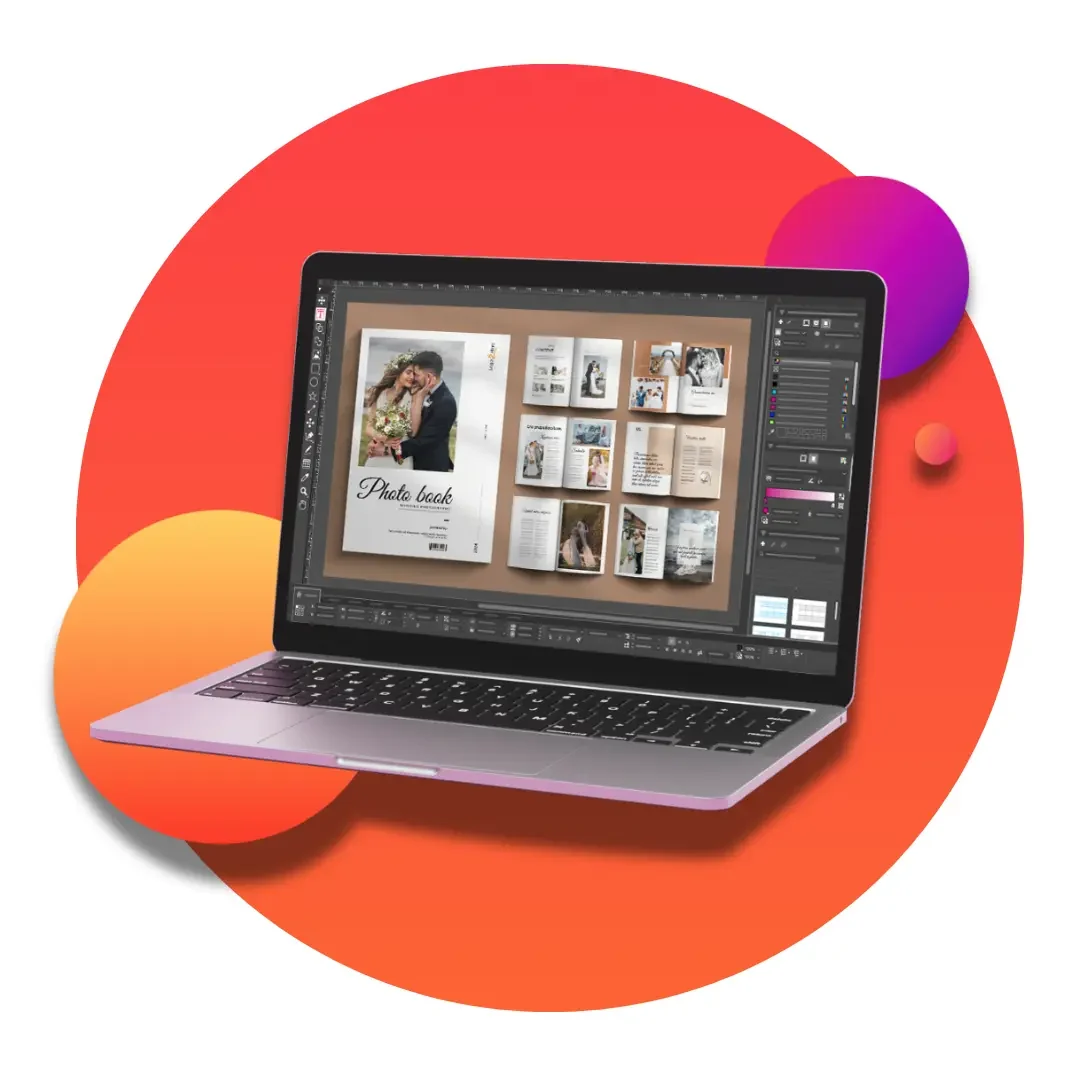
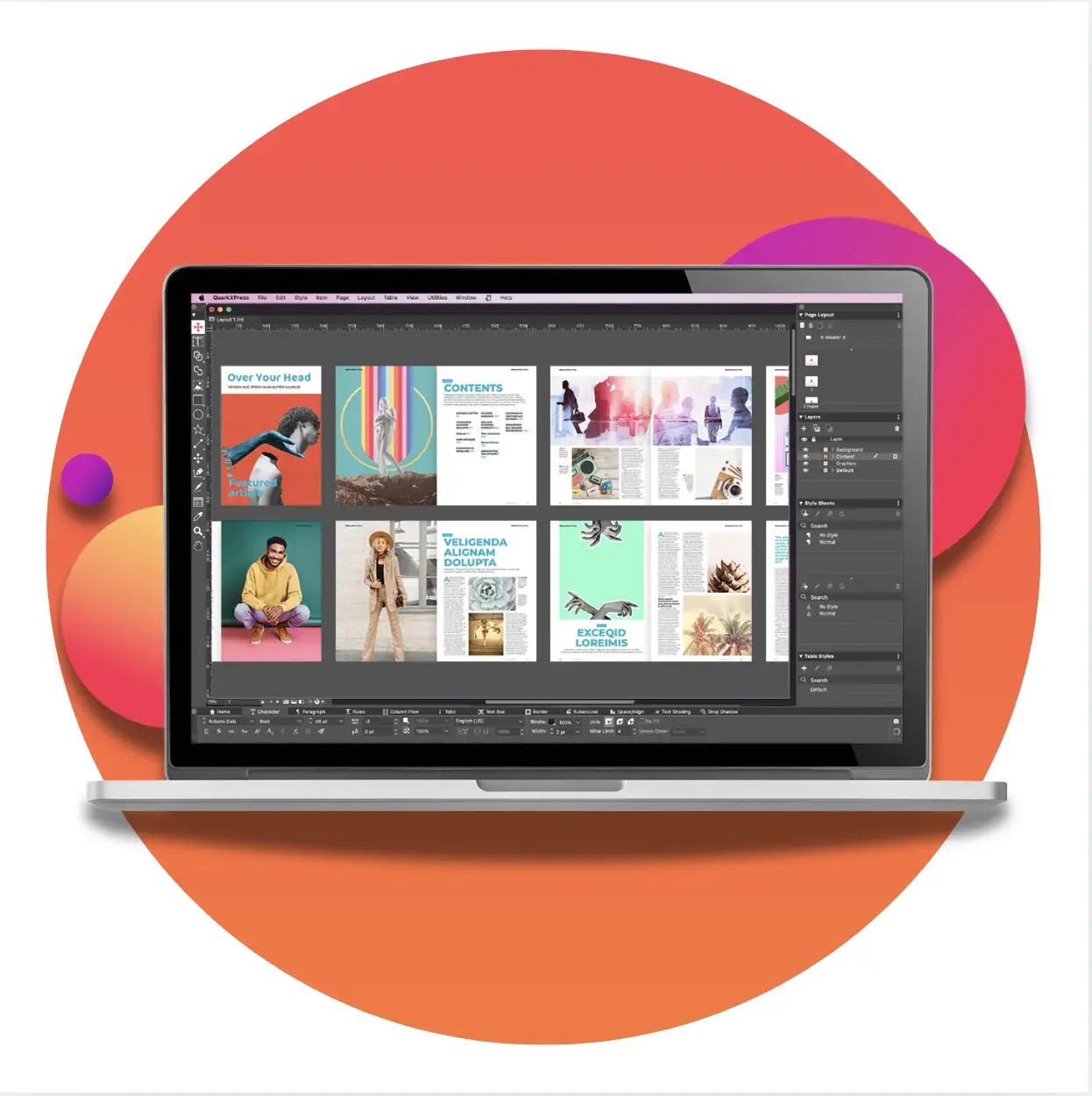
Magazines
Create engaging and informative magazine layouts ready to print or publish as a digital asset.
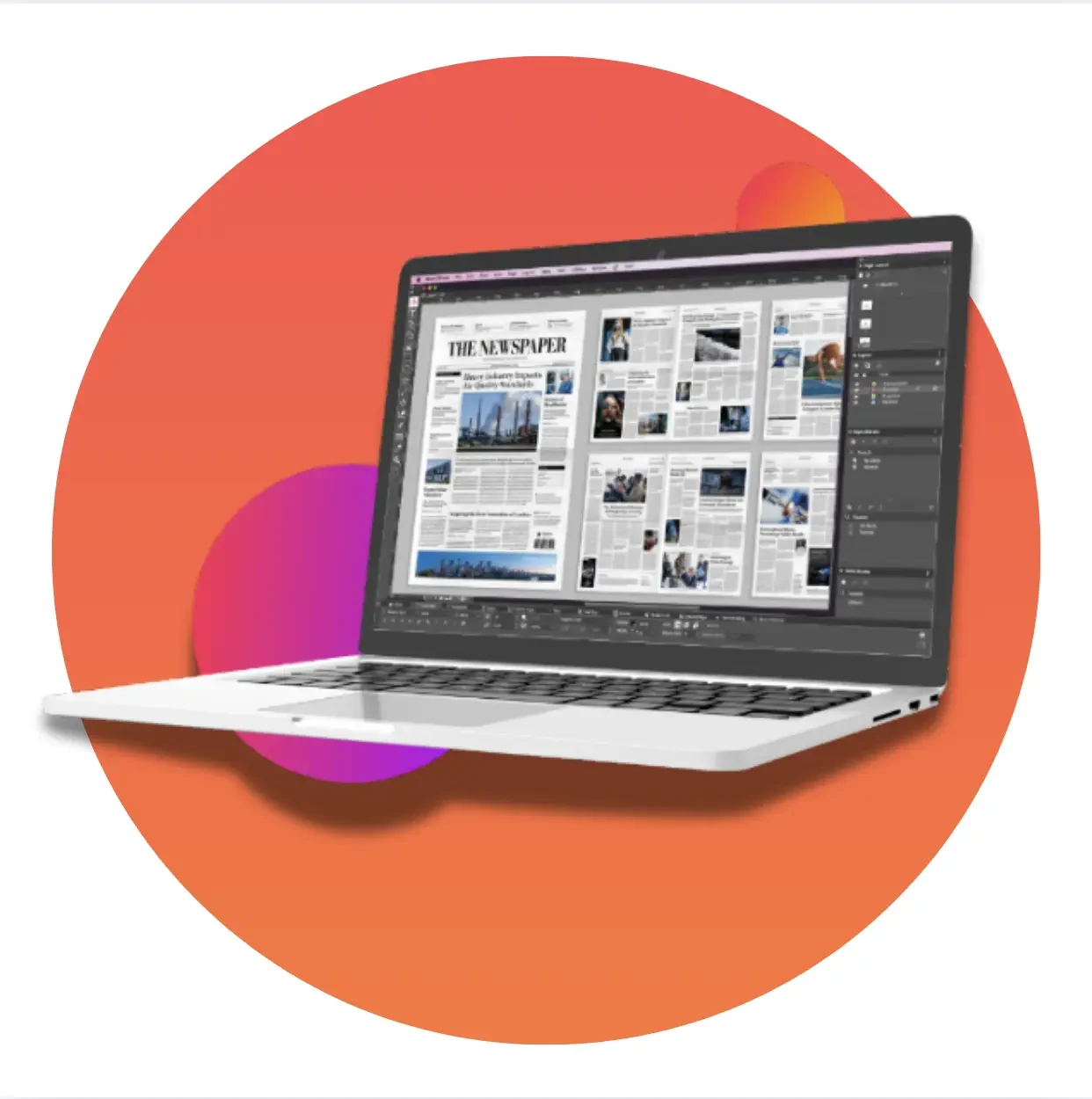
Newspapers
QuarkXPress is the original industry-standard for print-perfect and now digital newspaper layouts.
More Possibilities. Fewer Workarounds.
Your next big idea shouldn’t mean extra tools or hours of rework. Go from first inspiration to final output with more freedom at every step.

Make Existing Designs Your Own
Import layouts and turn their elements into editable objects.

Find Images Faster with AI
Search your local image libraries by what’s in the picture.

Experiment Without Losing the Original
Edit images non-destructively, right inside your layout.

Find Your Type
Explore over 1,500 Google Fonts for your next signature look.

Keep Your Color Standards High
Access built-in Pantone Color Libraries at no extra cost.

Create Once. Take It Further.
Export your work to multiple print and digital formats.
QuarkXPress 2027 Minimum System Requirements
Mac
- macOS® 27.x (Golden Gate)
- macOS® 26.x (Tahoe)
- macOS® 15.x (Sequoia)
Windows
- Microsoft® Windows® 11 Version 24H2 or later
- Windows® 10 Version 22H2 (64-bit)
- Windows Server® 2022
See QuarkXPress Tutorials
Pick up a new skill. Solve a tricky layout. Find a faster way to bring your ideas to life. Explore quick tips and tutorials, then put them to work on your next design.
See QuarkXPress Tutorials
Content Collaboration Add-On
Using QuarkXPress for in-house publishing? Add CopyDesk to streamline content collaboration and copyediting.
QuarkXPress CopyDesk enables content components to be edited without altering an established layout. Once a page design is set, the designer designates headlines, subheads, copy blocks, photos and graphics as editable elements. Then writers and editors can amend text, place, crop or rotate images, and write copy for a precise fit.
Learn More