
Set Page Orientation
QPP Adapter for Quark XML Author allows you to apply page orientation (portrait or landscape) to all pages in a document.
To set page orientation:
-
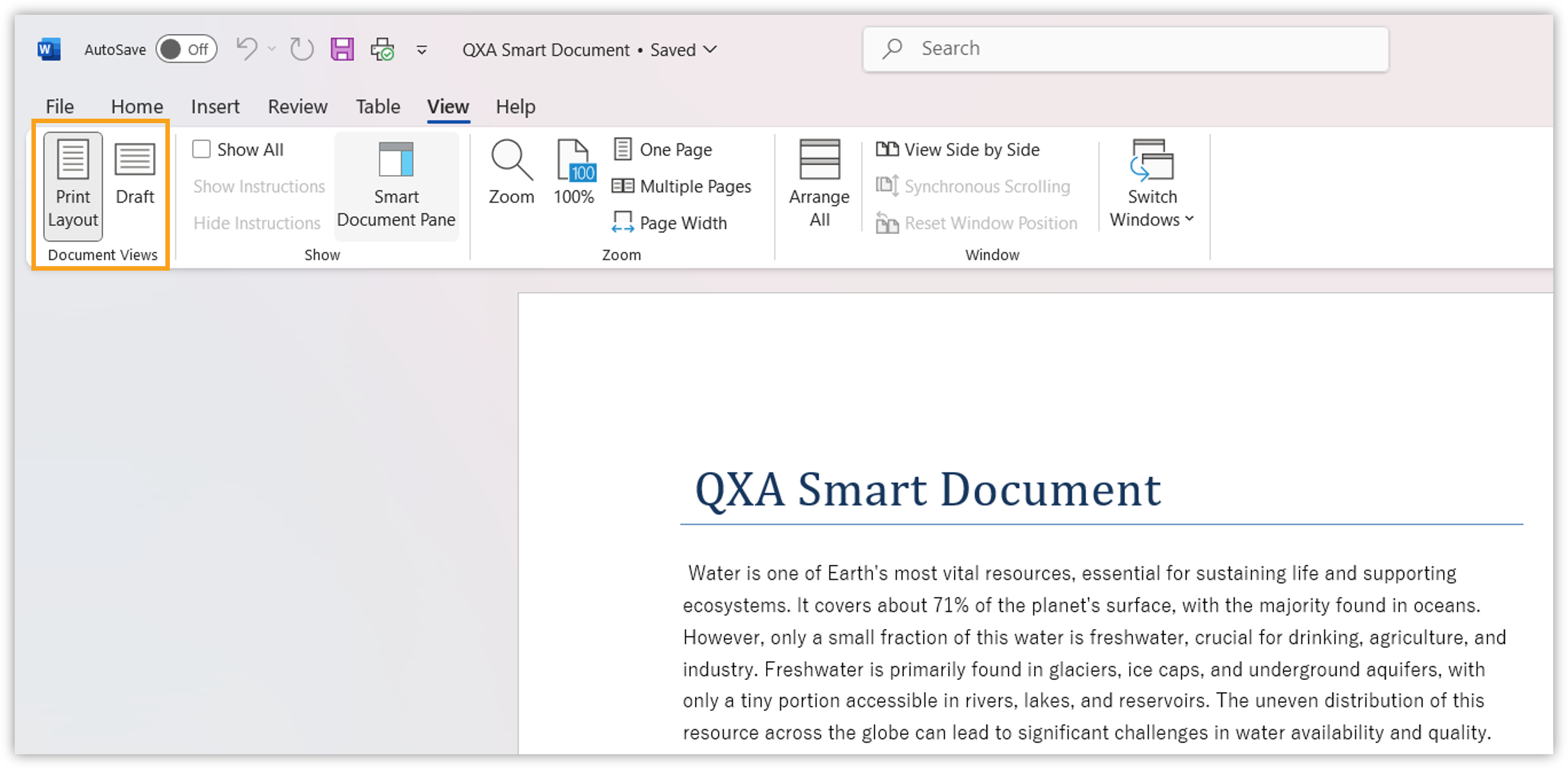
In the header ribbon, click the tab View.
-
Under the tool group Document Views, select:
-
Print Layout for portrait orientation
-
Draft for landscape orientation
-