
Deploying Fonts used in samples
If you choose to install the samples supplied by Quark, please download the following fonts used in the samples:
-
Roboto Condensed
-
Oswald
-
Ubuntu
-
Raleway
-
PT Serif
-
Open Sans
Installing fonts is optional, but is recommended to ensure that all required fonts used in sample documents are available for use.
Installing fonts for QuarkXPress Server
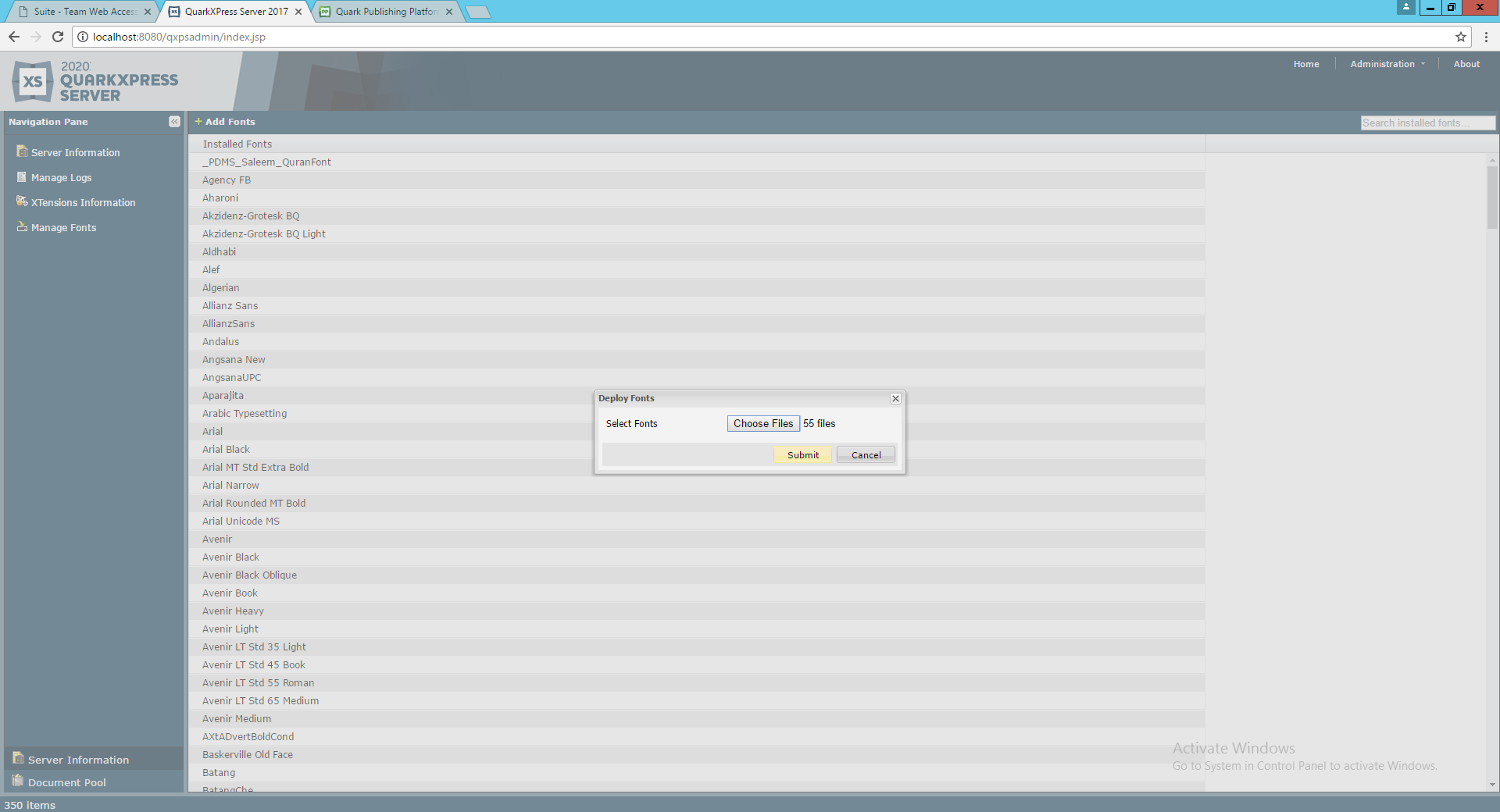
Install fonts using the QuarkXPress Server Admin client:
-
Launch QuarkXPress Server Admin Client on a browser.
-
Click Manage Fonts.
-
Click Add Fonts.
-
Locate the fonts folder and select all files.
-
Click Open to add these fonts to the server.
-
Click Submit in the Deploy Fonts dialog box.
-
Click OK when prompted to reset all the renderers.
Installing Fonts for QuarkXPress
Install fonts on the client machine where you installed QuarkXPress to properly see the preview in the Smart Content Designer preview palette.