Working with Smart Content Builder
To create a Smart Content Model using Smart Content Builder:
-
Open the Smart Content Builder app using
http://<server name/ip>:<port>/builder. -
Log on with user credentials.
This user must have permissions as described in Platform role privileges -
Go to the Models tab. The Migrate Schemas button will be visible if existing schemas, not created through Smart Content Builder, were present in the server. Click on this button to migrate these schemas to Smart Content Builder compatible format. This button will no longer be visible once all schemas were successfully migrated.

-
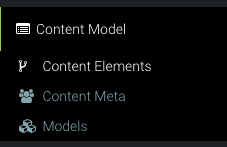
Expand the Content Model tab.
-
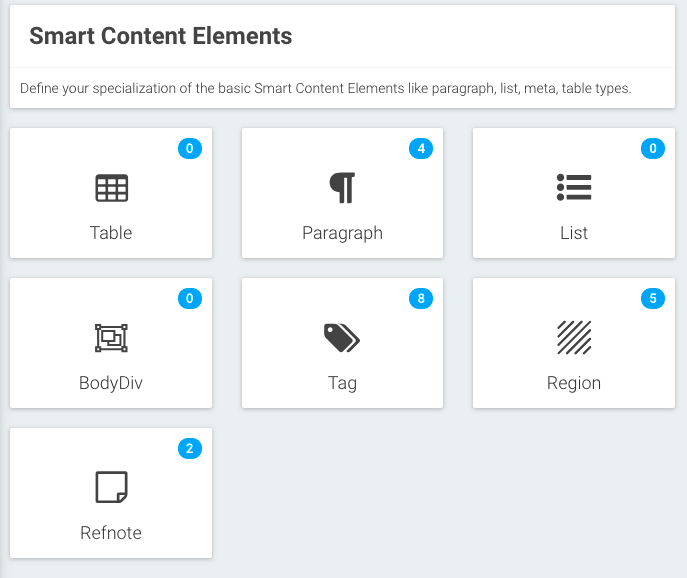
Create content elements using the Content Elements tab (Para types, Table types, List types, BodyDivs, Tag types, Regions, Refnotes).
-
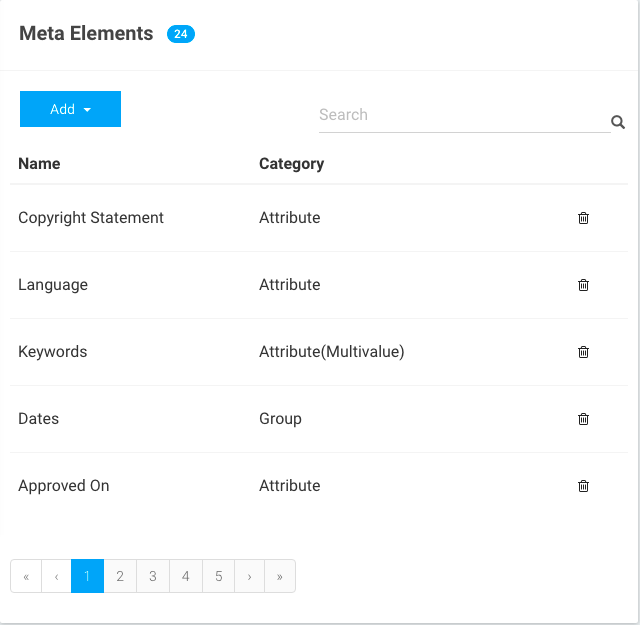
Define your content metadata elements in the Content Meta tab. The possible types of metadata are:
-
Attribute - defines a basic metadata element of key-value type.
-
Group - defines a complex metadata element by combining various attributes.
-
Collection - this is similar to a group, defining a complex metadata element by combining various attributes, but can hold multiple values of the complex metadata element (just like an array).
-
-
Use the Models tab to create a new Smart Content Model.
-
Click Add and add the definition of the model as required.
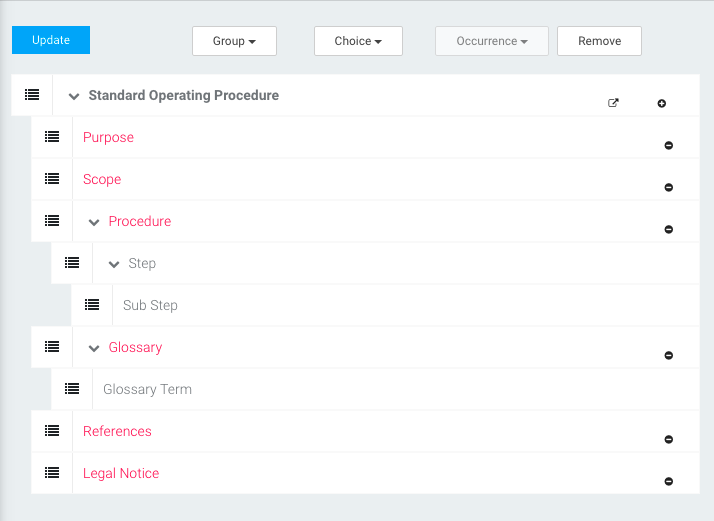
-
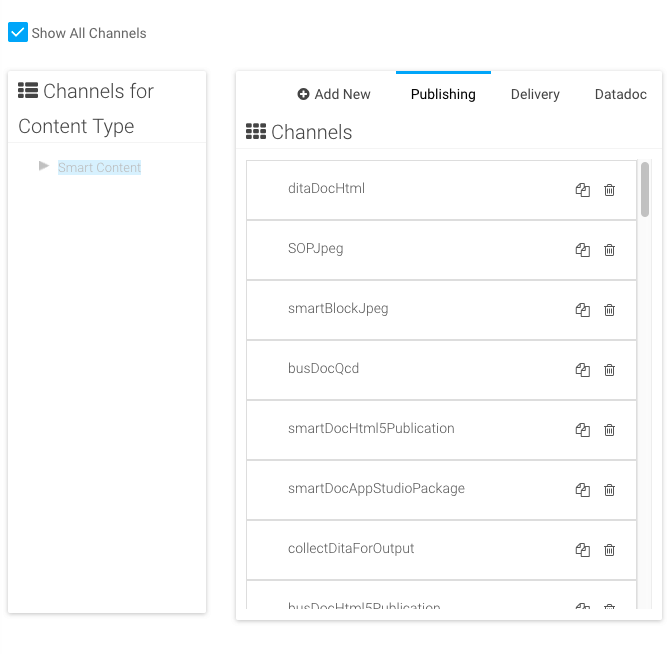
Click Editor Configuration in front of a content type to add publishing channels to the content type and to update all panel configurations
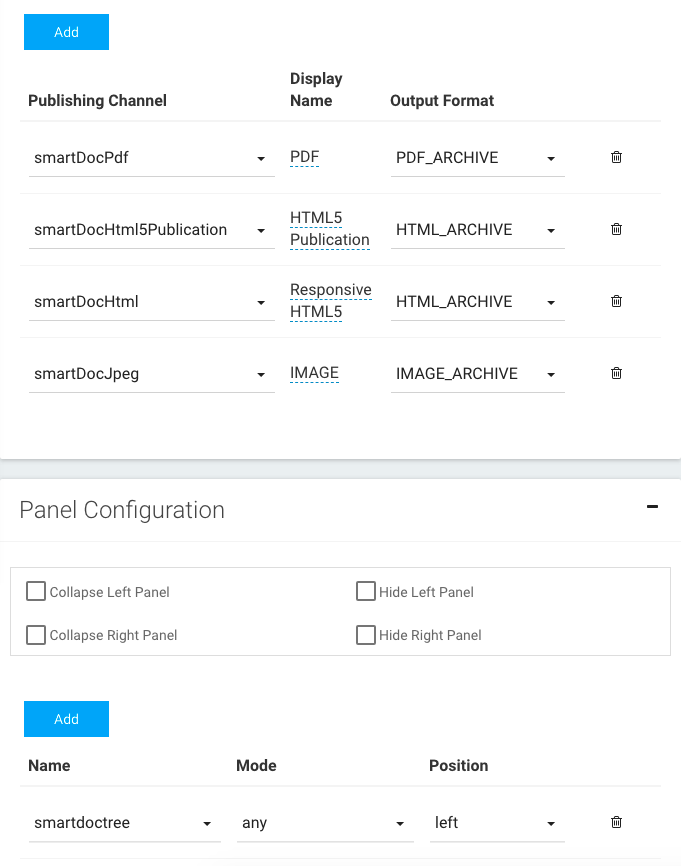
-
Use the Automation Channels tab to define all publishing, delivery and datadoc channels, and map them to the respective content types.