Support for Wiris Math Equations
Prerequisite
-
The DOCX Converter tool currently supports only Wiris MathType equations. If your Word documents contain other types of Math equations, you must first convert them into Wiris MathType equations before proceeding.
-
Before starting the conversion, make sure that the QXA plugin is disabled, if you're using it.
This step is not required if you're using DOCX Converter v5.8 or any later version. -
Additionally, ensure that you have Wiris MathType SDK version 7.8 or higher installed, as it's required for proper equation processing.
Disable QXA Plugin
To disable the QXA plugin in Microsoft Word, follow the steps given below:
-
Open Microsoft Word application.
-
On Home, click Options to open the Word Options dialog box.
-
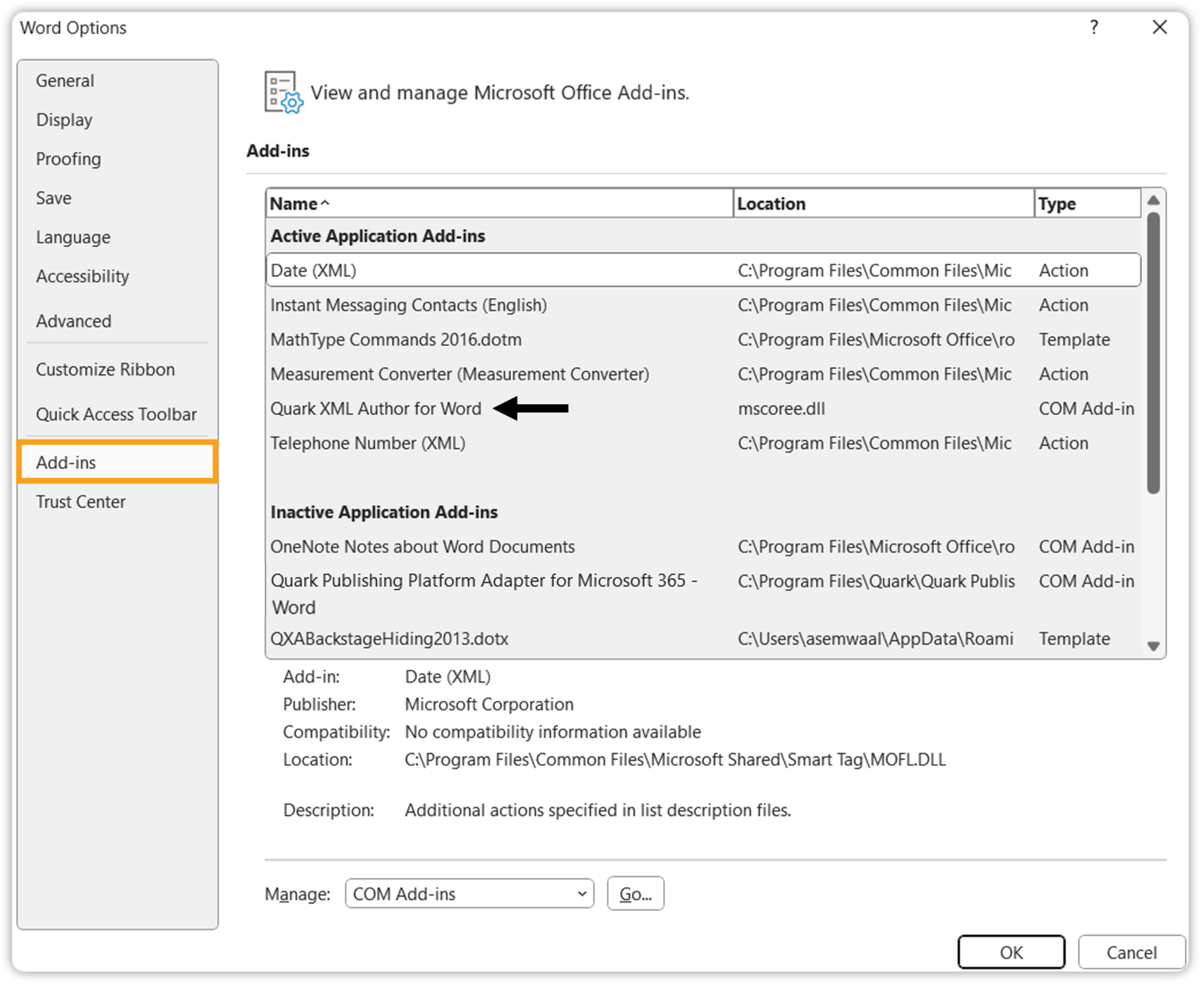
Go to the Add-ins tab, and check if the Quark XML Author is an active add-in.
-
Click Go next to Manage option.
-
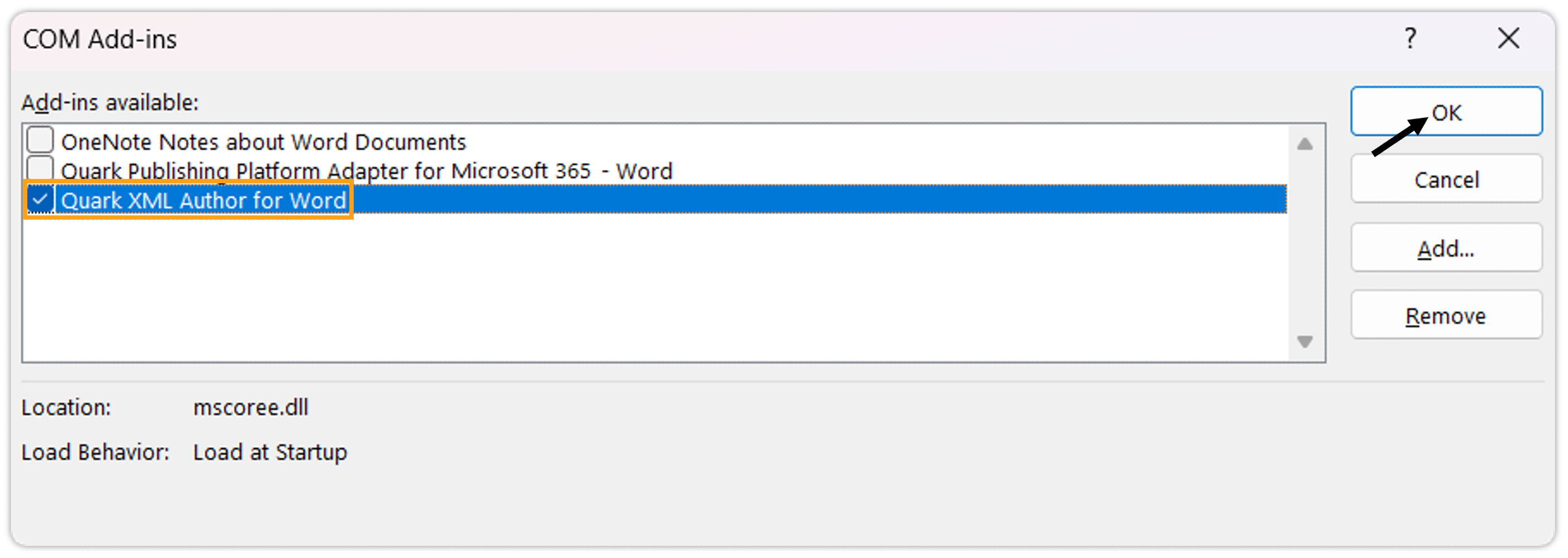
On the COM Add-ins dialog box, uncheck Quark XML Author for Word, and click OK.