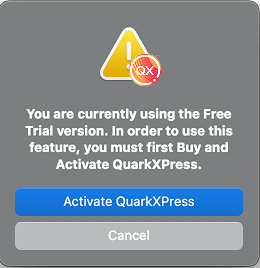
Free Trial Mode
In Free Trial mode, the following functionalities are restricted:
* Files cannot be saved/downsaved.
* The Revert to Saved feature is disabled.
* Files cannot be output as PDF, EPS or Print.
* You cannot perform Export as Image and Export Picture.
* You can edit settings in the Save pane of the Preferences dialog box under QuarkXPress/Edit menu, but projects will not be auto-saved or backed up using these settings.
* You cannot perform a Collect for Output.
* You cannot create a Library.
* You cannot add chapters to a Book.
* Digital Layouts cannot be exported as HTML5/ePub/iOS App/Android App. The Preview HTML5 Publication option is disabled.
* You cannot perform Export as IDML.
AI features
With the free trial of QuarkXPress, you can explore AI-powered features that enhance your design workflow. During your trial, you’ll have access to:
* Quarky – Generate up to 150 AI pages for content creation and layout suggestions.
* Font Pairing – Experiment with 200 AI-generated font pairings to find the perfect typography match.
To learn more about these features, visit our User Guide for detailed instructions or check the User Guide for a shorter overview. You can also find useful videos, and other resources on our QuarkXPress tutorials page.