
Deactivation
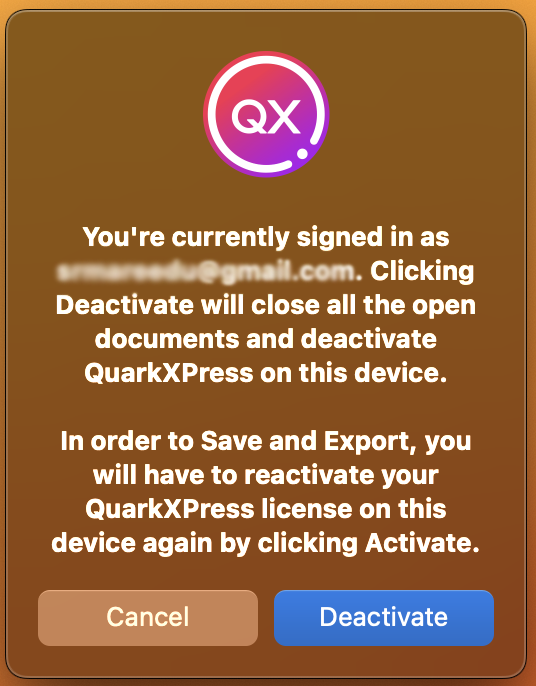
In case, you wish to install and use QuarkXPress on a tertiary computer, you need to deactivate the software on one of the two computers and then activate it on the new computer. To deactivate the software, you need to choose the Deactivate QuarkXPress option from the Help menu (Windows OS) and QuarkXPress menu (macOS).
In case there is a hardware change or your computer crashes and you are unable to deactivate the software, you would need to contact the Quark Technical Support Team to help you deactivate the software.