
QuarkXPress (App Store)
QuarkXPress (App Store) differs from the standard version in the following ways:
-
QuarkXPress (App Store) is a subscription-based version of QuarkXPress.
-
After downloading it from the AppStore, launch the app. A Subscription dialog is displayed and you can choose either a Monthly or a Yearly subscription plan.
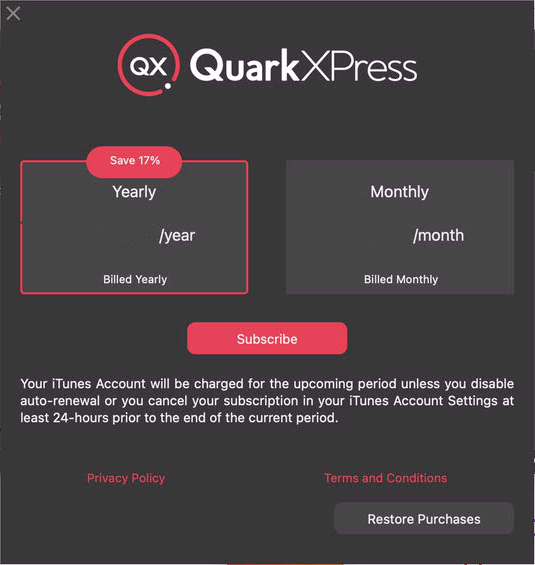
Subscription Screen -
Once you click Subscribe, purchase confirmation alert will be displayed.
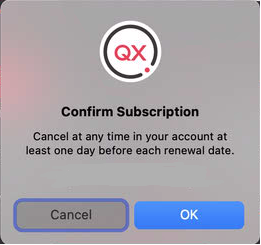
Subscription Confirmation Screen -
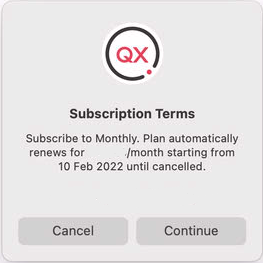
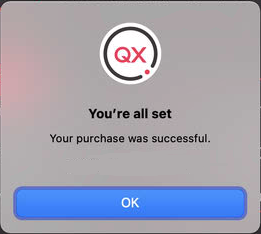
The subscription will automatically auto-renew unless the subscription is canceled at least one day prior to end of the subscription period.
-
In case, the user doesn't wish to subscribe at that time, user can choose to cancel the subscription dialog by clicking on the 'X' button. An alert for 'Demo mode' will be displayed and the user can choose the Try Demo option to run the full-featured demo version.
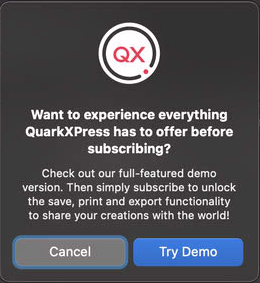
Demo Mode -
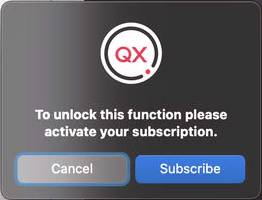
Whenever the user tries to use save, print and export functionalities in a demo version, an alert to unlock the functionality will be displayed. The user can choose the Subscribe option and the subscription dialog will be displayed.
-
If you wish to use the purchased App on multiple machines, you can choose the Restore Purchase option in the Subscription dialog. You will be prompted to input the Apple account details for the purchased app. Family sharing feature makes it easy for up to six family members to share a purchased app.
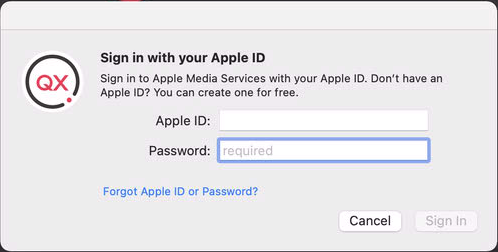
Restore Purchase -
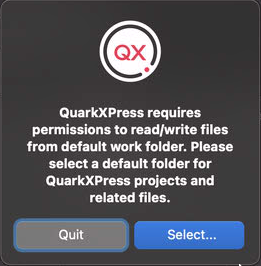
Working Folders functionality has been part of QuarkXPress AppStore build since version 2018.
-
When the App is launched for the first time, you will be asked to select a default Working Folder.
-
Once you launch the application, you can add more Working Folders in application Preferences under Application > Working Folders.
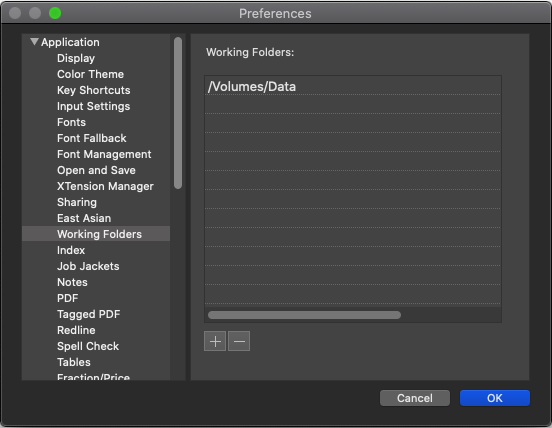
Working Folders -
-
Quark Cache Cleaner is not supported.
-
eBooks export is limited to ePub format only.
-
App resources like Preferences, XTensions and other dependencies are located under ~/Library/Containers/com.quark.quarkxpress.infinity/Data/Library.