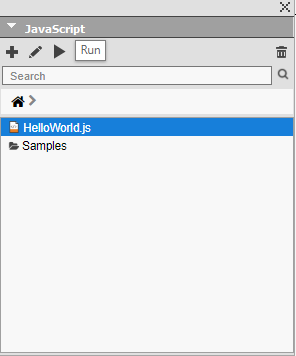
To create your hello world JavaScript sample in QuarkXPress, follow these steps:
-
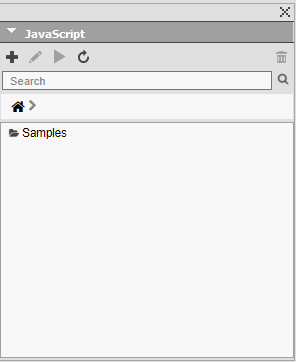
Open the JavaScript palette (choose Window > JavaScript) if the palette is not already visible.
-
To add a new script, click the '+' icon.
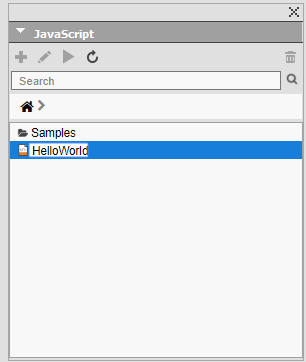
 A new entry with 'untitled.js' will be added in the list

- Rename the script according to your preference.
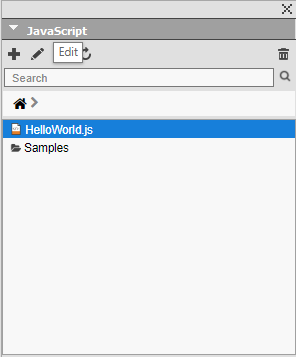
- The file, initially, will be empty. To edit, click the 'Edit' button. The file will open for edit
in the registered editor.
-
Add the following code and save it.
app.createProject('HelloWorld.qxp');
- To run the script, double click the script name or click the 'Run' button in JavaScript palette